
Complete Mail Server Setup Bundleby SoftwareCrafting
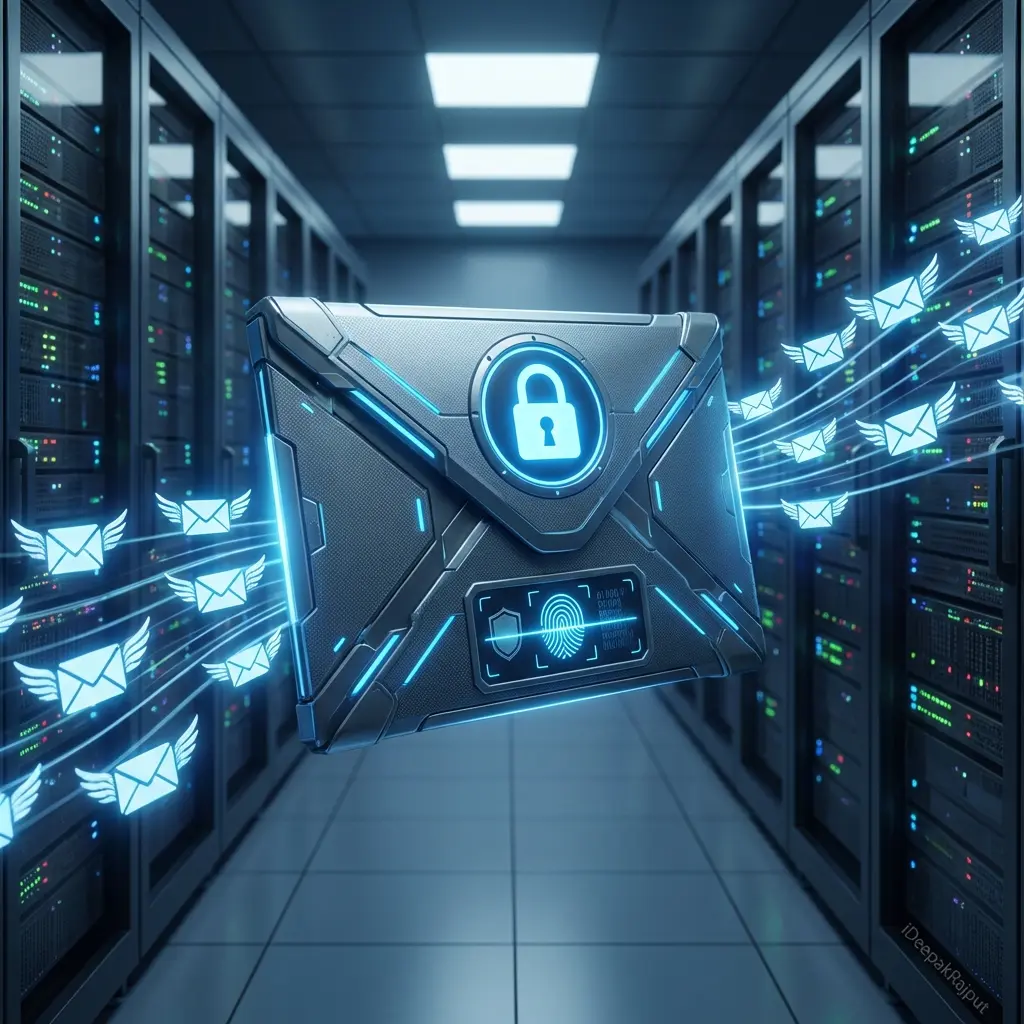
Complete mail server setup with Postfix + Dovecot + OpenDKIM on ANY VPS with branded webmail panel. Unlimited emails with Outlook integration by SoftwareCrafting.
No sales calls. Written reply in under 4 working hours.
Delivery Time
3-5 business days
Service Overview
We set up business email on your own domain, configured correctly so it reaches the inbox and does not become a security liability. The setup itself is the visible part: mailboxes, aliases, groups, shared inboxes, and mobile and desktop client configuration for everyone on the team. The part that determines whether it works is the DNS and authentication layer, which is where most self configured email fails. SPF, DKIM, and DMARC have to be correct and consistent, the MX records have to be right, and if your domain has sent mail before, its existing reputation has to be assessed rather than assumed clean. We also separate concerns properly, so transactional email from your application does not share sending reputation with staff email or marketing campaigns, because a problem in one should not stop password resets arriving. Migration from an existing provider is handled with mail, contacts, and calendars moved across and a cutover planned so nothing is lost in transit.
Technologies we use
Key Features
- Postfix mail server configuration
- Dovecot IMAP/POP3 server setup
- OpenDKIM email authentication
- Works on ANY VPS provider
- Unlimited email accounts
- Custom branded webmail panel
- Outlook mail login support
- Email client configuration (Outlook, Thunderbird, etc.)
- SPF, DKIM, and DMARC records setup
- SSL/TLS encryption
- Anti-spam and anti-virus protection
- Email forwarding and aliases
- Webmail access from anywhere
- Mobile email access
- Email backup and recovery
- Complete documentation
- 30 days free support
- Sending reputation assessment before cutover
- Separation of staff, transactional, and marketing sending
- Migration of existing mail, contacts, and calendars with a planned cutover
- Shared mailboxes, distribution groups, and role based aliases
- Mobile and desktop client setup for the whole team
- DMARC reporting reviewed and moved to enforcement
- Backup and retention policy configuration
- Written administration guide for your team
Pricing Snapshot
One-time setup fee of ₹10,000 for complete mail server bundle
- Model: project
- Timeline: 3-5 business days
Our Delivery Process
We use an agile, transparent process to ensure your project is completed on time and meets exactly your needs.
VPS & Domain Verification
Verifying your VPS access and domain ownership
Mail Server Installation
Installing and configuring Postfix, Dovecot, and OpenDKIM
DNS Records Configuration
Setting up MX, SPF, DKIM, and DMARC records
Webmail Panel Setup
Installing and customizing webmail with your branding
Testing & Configuration
Testing email delivery, receiving, and client configurations
Documentation & Handover
Providing complete documentation and 30 days support
Why Choose SoftwareCrafting?
- One-time setup cost - no monthly per-mail charges
- Unlimited email accounts
- Complete control over your email infrastructure
- Custom branded webmail interface
- Professional email authentication (SPF, DKIM, DMARC)
- Works with any VPS provider
- Outlook and all email client support
- Secure and encrypted email communication
- Cost-effective compared to monthly email services
- Expert setup by SoftwareCrafting
- Complete documentation provided
- 30 days free support included
- Email that reaches the inbox rather than the spam folder
- Application email protected from staff sending reputation
- Migration without losing mail, contacts, or calendar history
- Authentication configured once and configured correctly
- An administration guide so routine changes do not need us
Frequently Asked Questions
What VPS providers are supported?
How many email accounts can We create?
Can We customize the webmail interface with my brand?
Does it support Outlook?
What's included in the ₹10,000 setup?
Are there any monthly charges?
Why does our current email go to spam?
Will we lose email during migration?
Should application email use the same domain as staff email?
What ongoing maintenance does email need?
Case Studies
See how we've delivered results for our clients.
Guides that support this service
Practical engineering notes connected to complete mail server setup bundle decisions, architecture, and implementation trade-offs.
Related services
Services often paired with Complete Mail Server Setup Bundle
These internal links help buyers and search engines understand the full delivery path around this service.
Solutions & industries
Where teams use complete mail server setup bundle
Explore the industry solutions and locations we deliver this capability for, or talk to a Delhi/India-based senior engineer.
Let's build your
next big thing.
Stop compromising on quality. Talk to our technical directors today and find out how our elite engineers accelerate your complete mail server setup bundle deliverables.
Quick Brief
Start the conversation here
Tell us about your complete mail server setup bundle project and we'll reply with a technical response and next steps.
Your Name
Work Email
What do you need help with?